
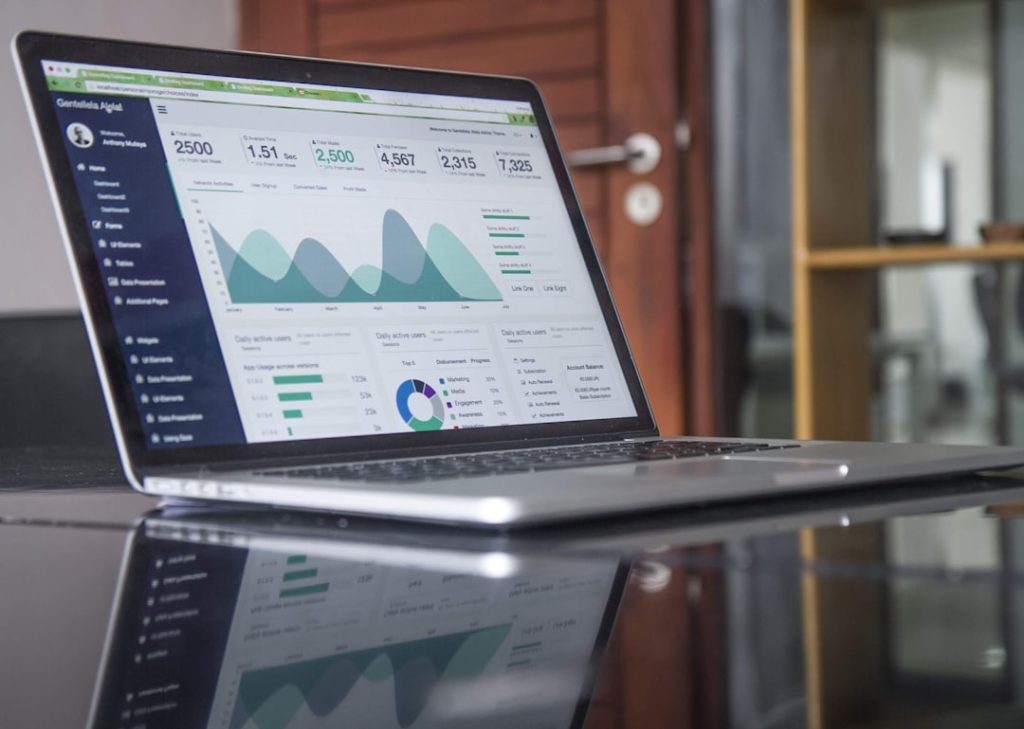
Desktop accounting software serves as an essential financial management tool for businesses, particularly small enterprises seeking to improve their accounting processes. This software category is installed directly on local computers, enabling users to manage financial data without requiring internet connectivity. The offline functionality provides enhanced data security and allows businesses to maintain direct control over their financial information.
Modern desktop accounting software has evolved significantly from early versions that required extensive technical training and featured complex interfaces. Contemporary solutions now offer streamlined, user-friendly designs that accommodate users with different levels of accounting expertise. These applications typically include features such as invoicing, expense tracking, payroll management, tax preparation, and financial reporting.
The adoption of desktop accounting software among small businesses has increased as organizations recognize the importance of accurate financial management for operational efficiency and business growth. Key advantages include data ownership, reduced dependency on internet connectivity, one-time purchase costs rather than ongoing subscription fees, and the ability to customize software configurations to meet specific business requirements. These factors make desktop accounting solutions a practical choice for businesses seeking reliable, cost-effective financial management tools.
Key Takeaways
- Desktop accounting software offers tailored financial management solutions ideal for small businesses.
- Key benefits include improved accuracy, time savings, and enhanced financial reporting.
- Essential features to consider are user-friendliness, scalability, and integration capabilities.
- Choosing the right software involves assessing business needs, budget, and compatibility with existing systems.
- Proper setup, integration, training, and ongoing support are crucial for maximizing software effectiveness.
Benefits of Using Desktop Accounting Software for Small Businesses
One of the primary benefits of desktop accounting software for small businesses is the enhanced control it offers over financial data. By storing sensitive information locally on a computer, businesses can mitigate the risks associated with data breaches that are more prevalent in cloud-based systems. This level of control is particularly appealing to small business owners who may handle sensitive client information or proprietary financial data.
Additionally, desktop software often allows for more customizable security settings, enabling users to restrict access to certain features or data based on employee roles. Another significant advantage is the performance reliability that desktop accounting software provides. Unlike cloud-based solutions that depend on internet connectivity, desktop applications can function seamlessly without an internet connection.
This reliability ensures that businesses can continue their accounting operations even during internet outages or disruptions. Furthermore, many desktop accounting programs are designed to handle large volumes of transactions efficiently, making them suitable for businesses experiencing rapid growth or seasonal fluctuations in activity.
Features to Look for in Desktop Accounting Software

When selecting desktop accounting software, it is essential to consider a range of features that can enhance the overall functionality and usability of the program. One critical feature is comprehensive reporting capabilities. A robust reporting module allows users to generate detailed financial statements, such as profit and loss reports, balance sheets, and cash flow statements.
These reports are invaluable for making informed business decisions and assessing financial health over time. Another important feature is invoicing and billing functionality. The ability to create professional invoices quickly and track payments can significantly improve cash flow management for small businesses.
Look for software that offers customizable invoice templates, automated reminders for overdue payments, and integration with payment processing systems. Additionally, features such as expense tracking and bank reconciliation are crucial for maintaining accurate financial records and ensuring that all transactions are accounted for.
How to Choose the Right Desktop Accounting Software for Your Small Business
Choosing the right desktop accounting software involves a careful assessment of your business’s specific needs and requirements. Start by evaluating the size and complexity of your operations. For instance, a small business with straightforward accounting needs may benefit from basic software that covers essential functions like invoicing and expense tracking.
In contrast, a growing business with more intricate financial operations may require advanced features such as inventory management or multi-currency support. Budget considerations also play a significant role in the decision-making process. Desktop accounting software can vary widely in price, from affordable options suitable for startups to more expensive solutions designed for larger enterprises.
It is crucial to weigh the cost against the features offered and consider whether the investment aligns with your business goals. Additionally, reading user reviews and seeking recommendations from other small business owners can provide valuable insights into the software’s performance and reliability.
Setting Up and Implementing Desktop Accounting Software
| Software | Price (One-time) | Platform | Key Features | Best For | Customer Rating (out of 5) |
|---|---|---|---|---|---|
| QuickBooks Desktop Pro | 399 | Windows | Invoicing, Expense Tracking, Payroll Integration, Inventory Management | Small to Medium Businesses | 4.5 |
| Sage 50cloud | 500 | Windows | Advanced Inventory, Job Costing, Payroll, Cloud Backup | Growing Small Businesses | 4.3 |
| Wave Accounting | Free | Windows, Mac | Invoicing, Receipt Scanning, Basic Accounting | Freelancers and Very Small Businesses | 4.0 |
| Zoho Books Desktop | 299 | Windows, Mac | Multi-currency, Time Tracking, Automated Workflows | Small Businesses Needing Automation | 4.2 |
| FreshBooks Desktop | 349 | Windows, Mac | Invoicing, Expense Tracking, Time Tracking | Service-based Small Businesses | 4.4 |
Once you have selected the appropriate desktop accounting software, the next step is setting it up effectively within your organization. This process typically begins with installation on designated computers, followed by configuring settings to align with your business’s specific accounting practices. During this phase, it is essential to input foundational data such as company information, chart of accounts, and initial balances to ensure accurate reporting from the outset.
Implementation also involves training staff members who will be using the software regularly. Providing comprehensive training sessions can help employees become familiar with the system’s features and functionalities, reducing the likelihood of errors in data entry or reporting. Additionally, establishing clear protocols for how financial transactions will be recorded and managed within the software can promote consistency and accuracy across the organization.
Integrating Desktop Accounting Software with Other Business Systems
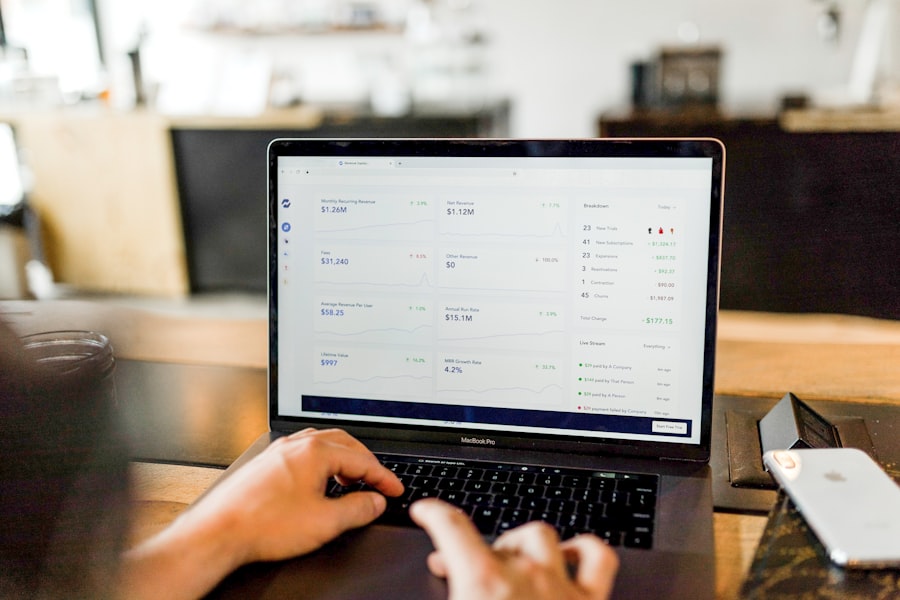
To maximize the effectiveness of desktop accounting software, it is beneficial to integrate it with other business systems that your organization uses. For example, integrating accounting software with customer relationship management (CRM) systems can streamline invoicing processes by automatically pulling customer data into invoices. This integration not only saves time but also reduces the risk of errors associated with manual data entry.
Moreover, connecting your accounting software with inventory management systems can provide real-time insights into stock levels and sales trends. This integration allows businesses to make informed purchasing decisions based on accurate financial data and inventory turnover rates. When considering integration options, it is essential to evaluate compatibility with existing systems and ensure that data flows seamlessly between platforms.
Training and Support for Using Desktop Accounting Software
Effective training and ongoing support are critical components in ensuring that your team can utilize desktop accounting software to its fullest potential. Many software providers offer training resources such as webinars, tutorials, and user manuals that can help employees navigate the system effectively. Investing time in training not only enhances user proficiency but also fosters confidence in using the software for daily accounting tasks.
In addition to initial training, having access to reliable customer support is essential for addressing any issues that may arise during usage. Look for software providers that offer multiple support channels, including phone support, email assistance, and online chat options. A responsive support team can help resolve technical difficulties quickly, minimizing disruptions to your business operations.
Best Practices for Maximizing the Benefits of Desktop Accounting Software
To fully leverage the advantages of desktop accounting software, businesses should adopt best practices that promote efficiency and accuracy in financial management. Regularly updating the software is one such practice; keeping the application current ensures access to new features, security enhancements, and bug fixes that can improve overall performance. Additionally, maintaining organized records within the software is crucial for effective financial management.
Establishing a consistent naming convention for files and categorizing transactions appropriately can facilitate easier retrieval of information when needed. Regularly reconciling accounts and reviewing financial reports can also help identify discrepancies early on, allowing for timely corrections before they escalate into larger issues. Furthermore, fostering a culture of accountability within your team can enhance the effectiveness of your accounting practices.
Encouraging employees to take ownership of their roles in financial management promotes diligence in data entry and adherence to established protocols. By implementing these best practices, small businesses can maximize the benefits of their desktop accounting software, ultimately leading to improved financial health and operational success.